
 Ostensio
Show.
Record.
Guide.
The Mac app that makes your demonstrations easy to follow: a pointer nobody loses, videos with camera and captions, PDF guides that write themselves.
What Ostensio changes for you
A demo that’s effortless to follow
Your audience sees what you do, as you do it.
- Ring around the pointer, ripples and sounds on every click
- Spotlight, magnifier and click-to-zoom
- Freehand drawing, arrows and Focus area
- Keystrokes and shortcuts shown on screen
Videos that explain
Record your screen with your camera and captions, then share.
- Full screen or a drawn area, in 1080p or 720p
- Round or square camera bubble, placed wherever you like
- Live captions and .srt file (macOS 26 or later)
- Trim, compress for e-mail or export as GIF
Guides that write themselves
Do the task once: Ostensio builds the step-by-step PDF guide, with screenshots and captions.
- One step per page, with the screenshot and the click circled
- Automatic captions (“Click ‘Save’”)
- Sensitive data masked before sharing
- Password fields never captured
Everything in the box
10 features · no subscription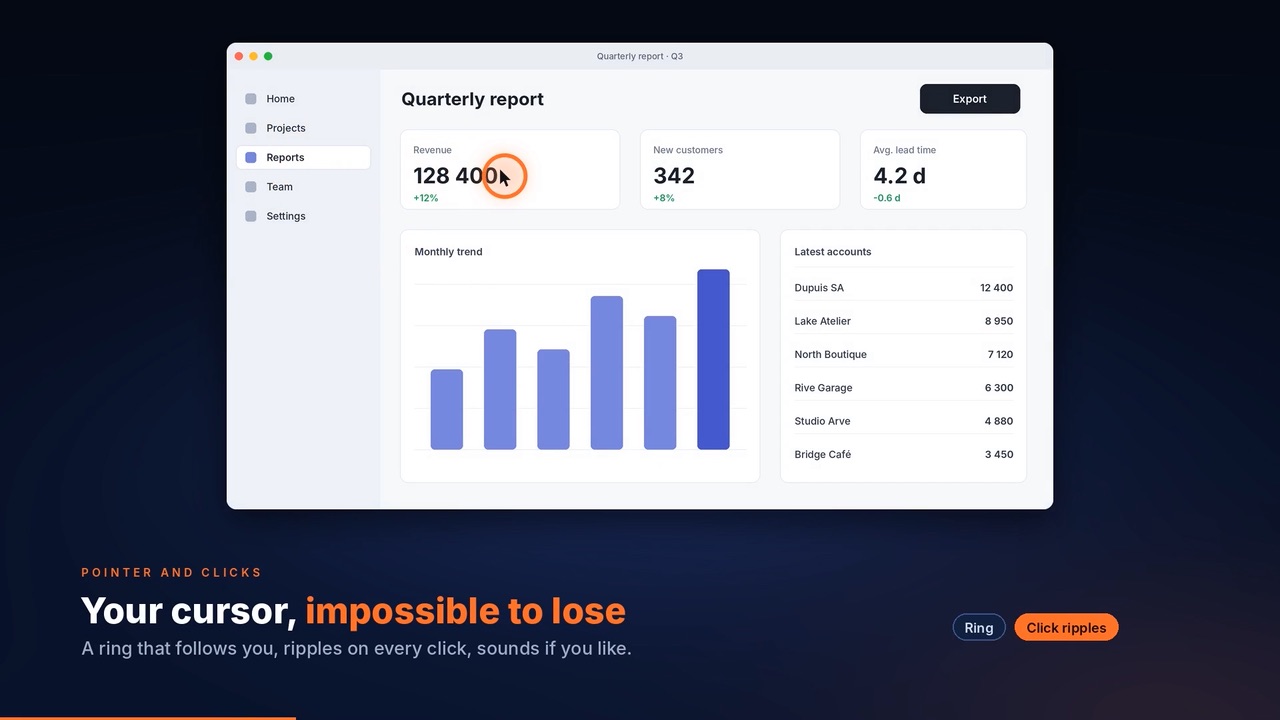
Pointer ring and click ripples
Your pointer, impossible to lose.
02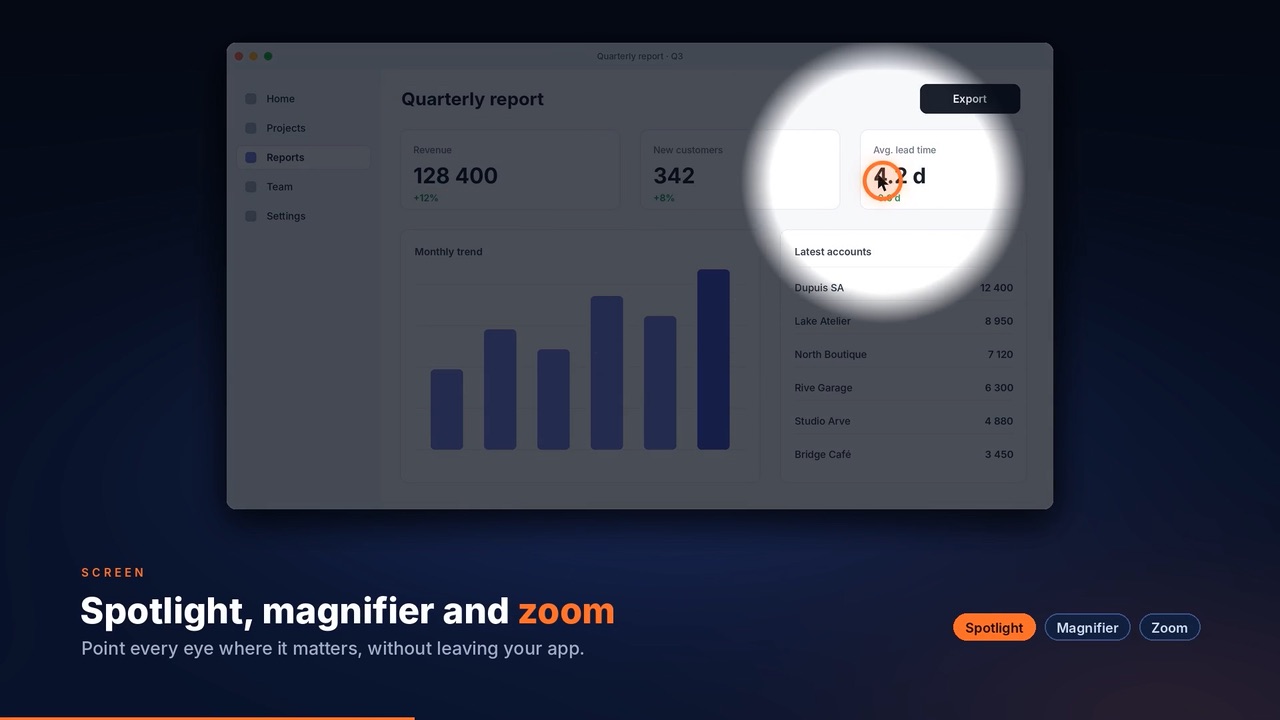
Spotlight
Everything dims except the area that matters.
03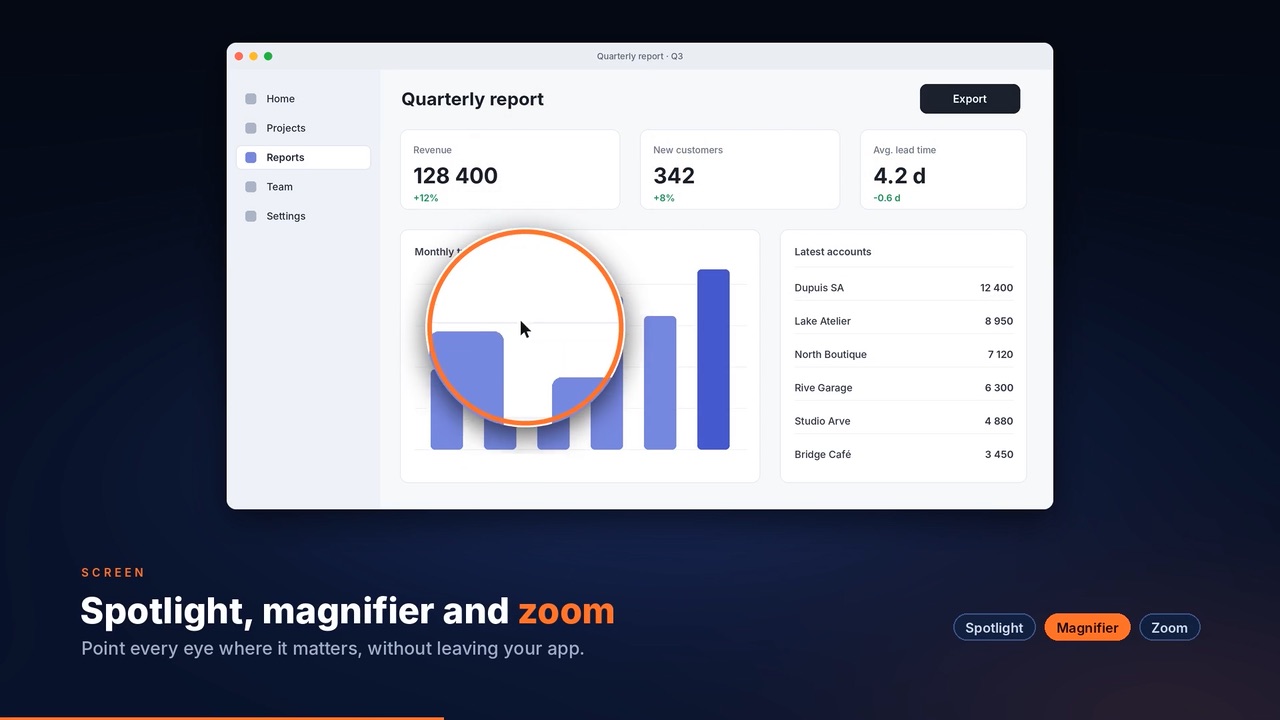
Magnifier and zoom
Enlarge the detail; your click lands in the right place.
04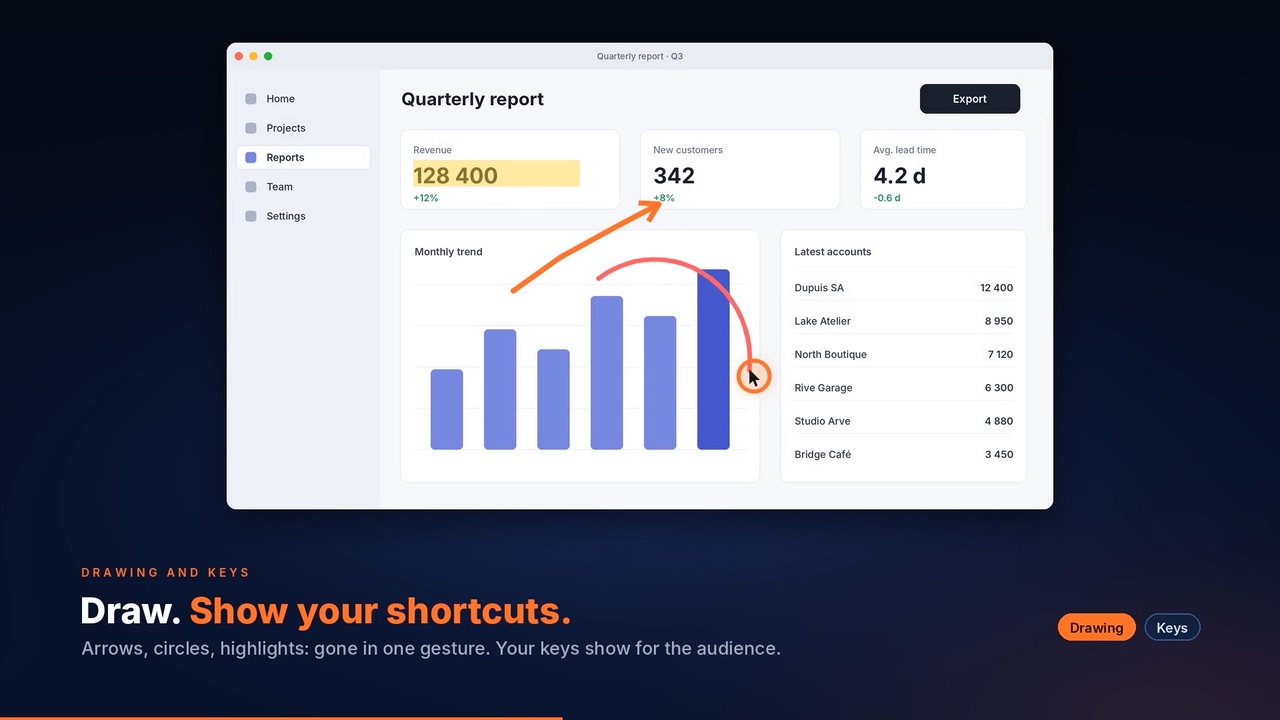
On-screen drawing
Pen, arrow, rectangle, highlighter, blur.
05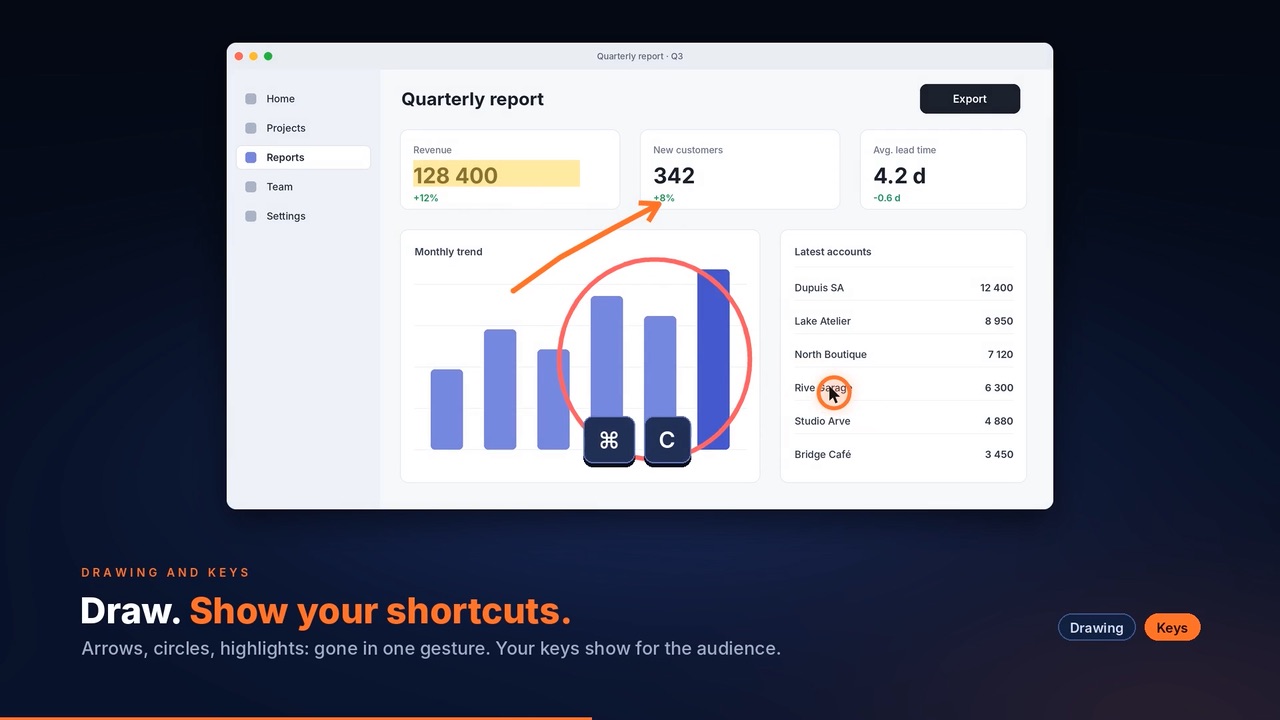
Displayed keys
Every shortcut readable from the back of the room.
06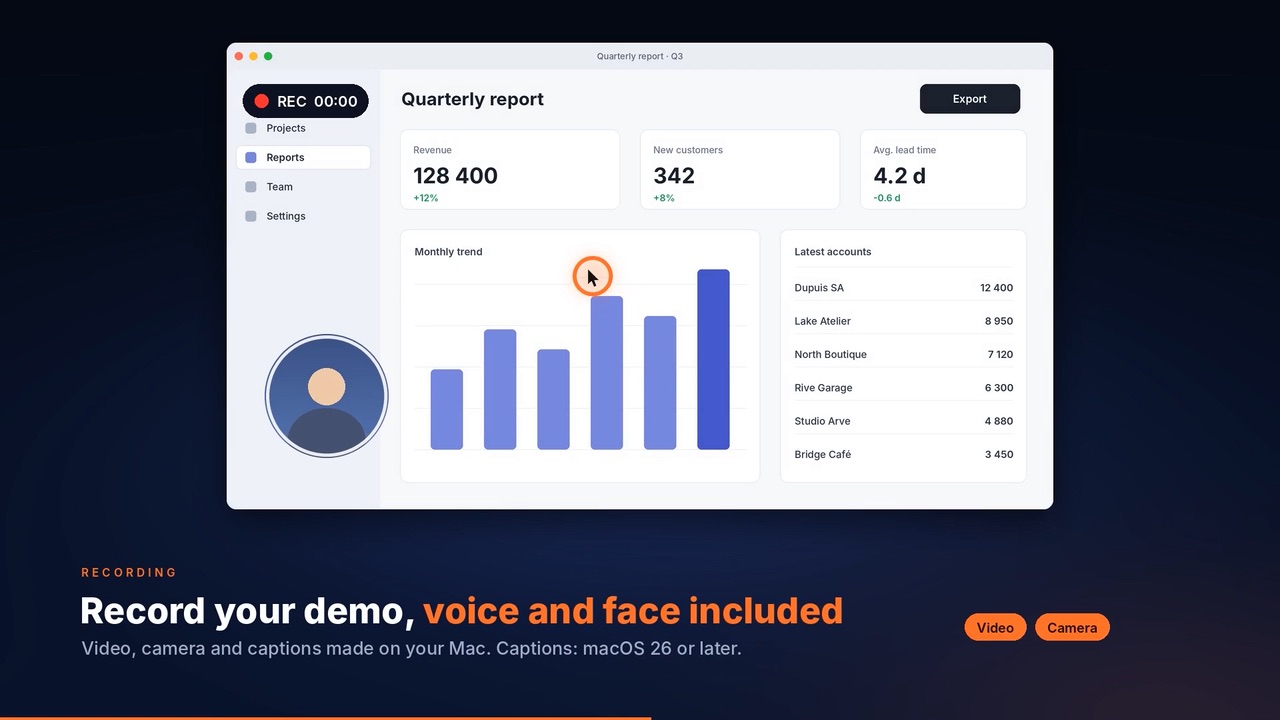
Video with camera
Your camera bubble in the recording.
07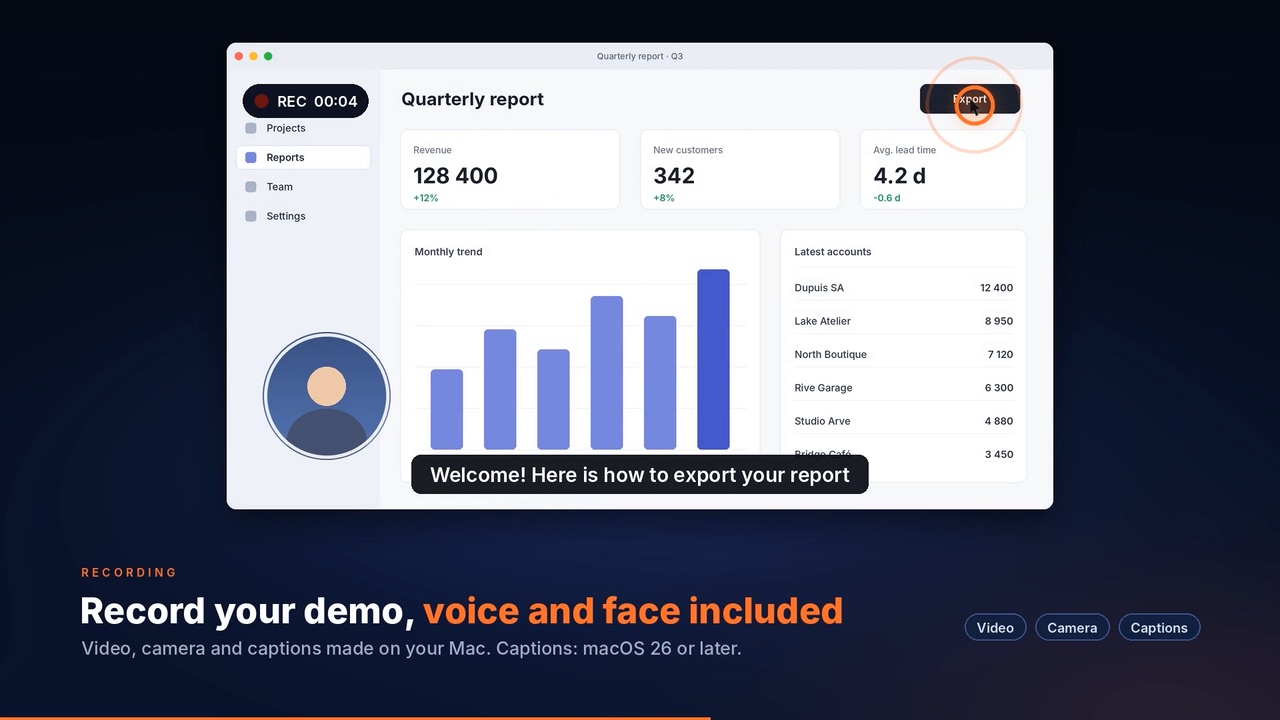
Captions
Live and as an .srt file, from macOS 26.
08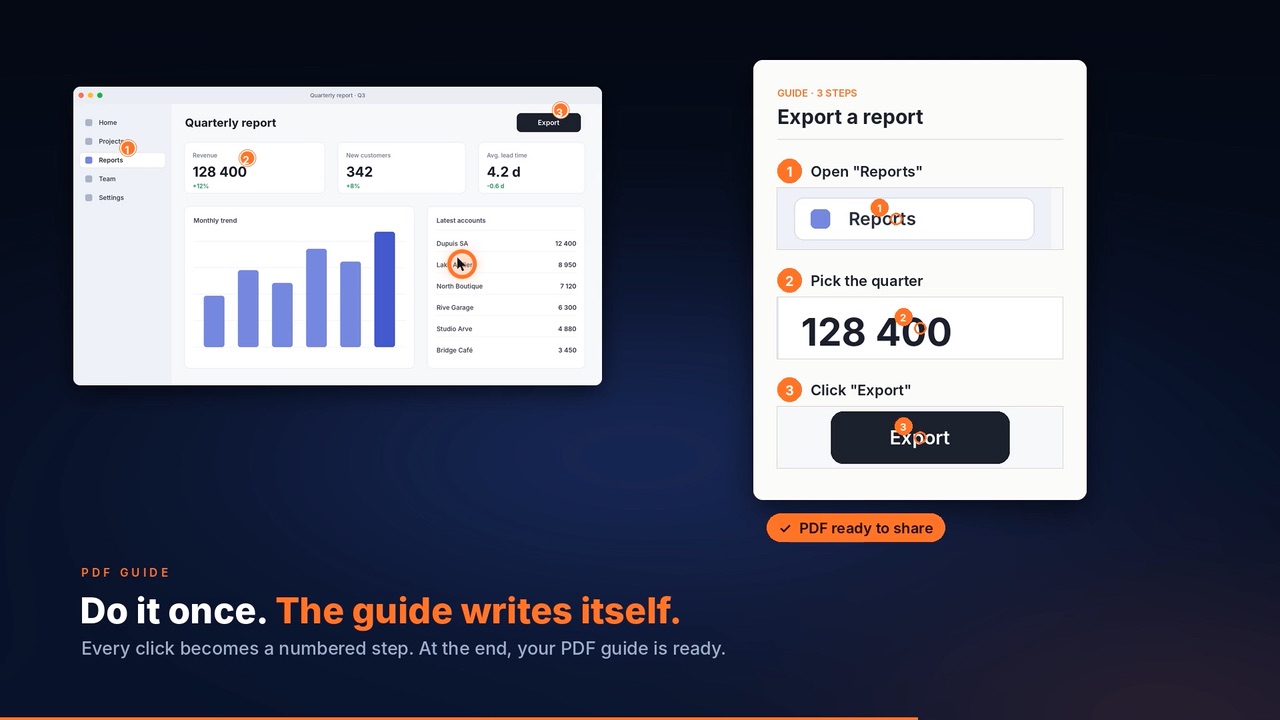
PDF guides
One step per page, with a caption.
09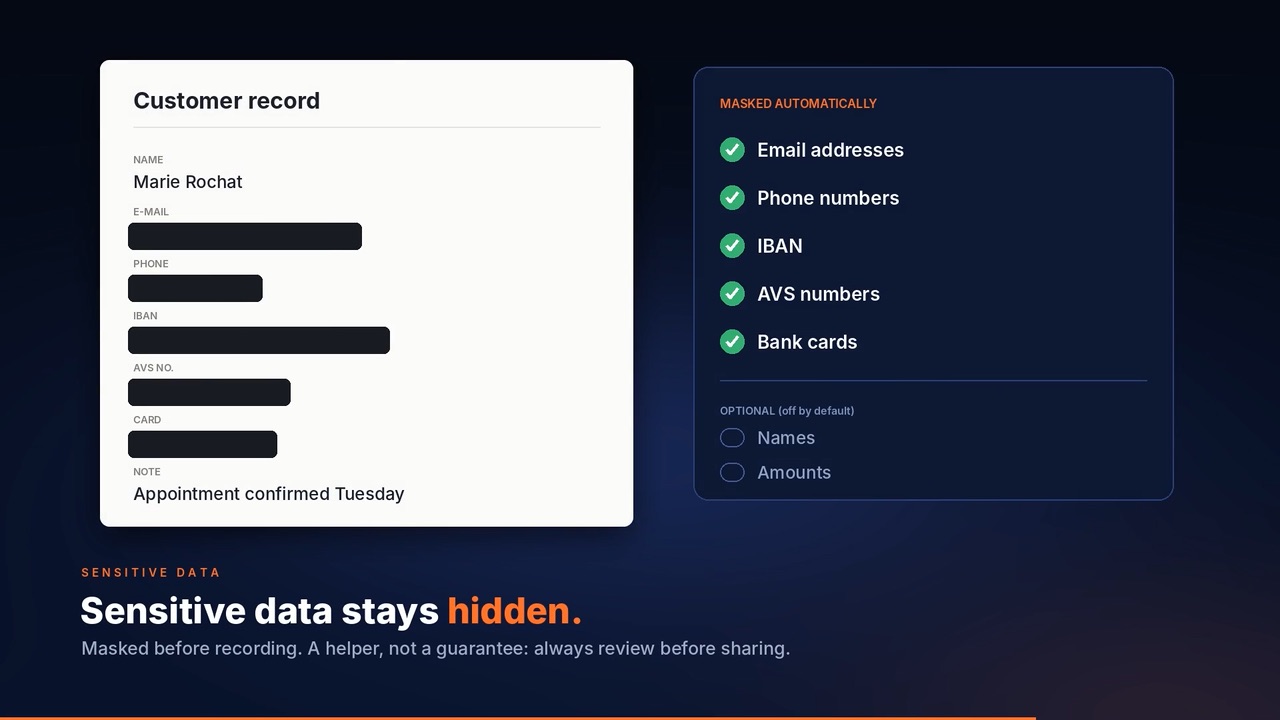
Masking
IBANs, AVS numbers and e-mails covered.
10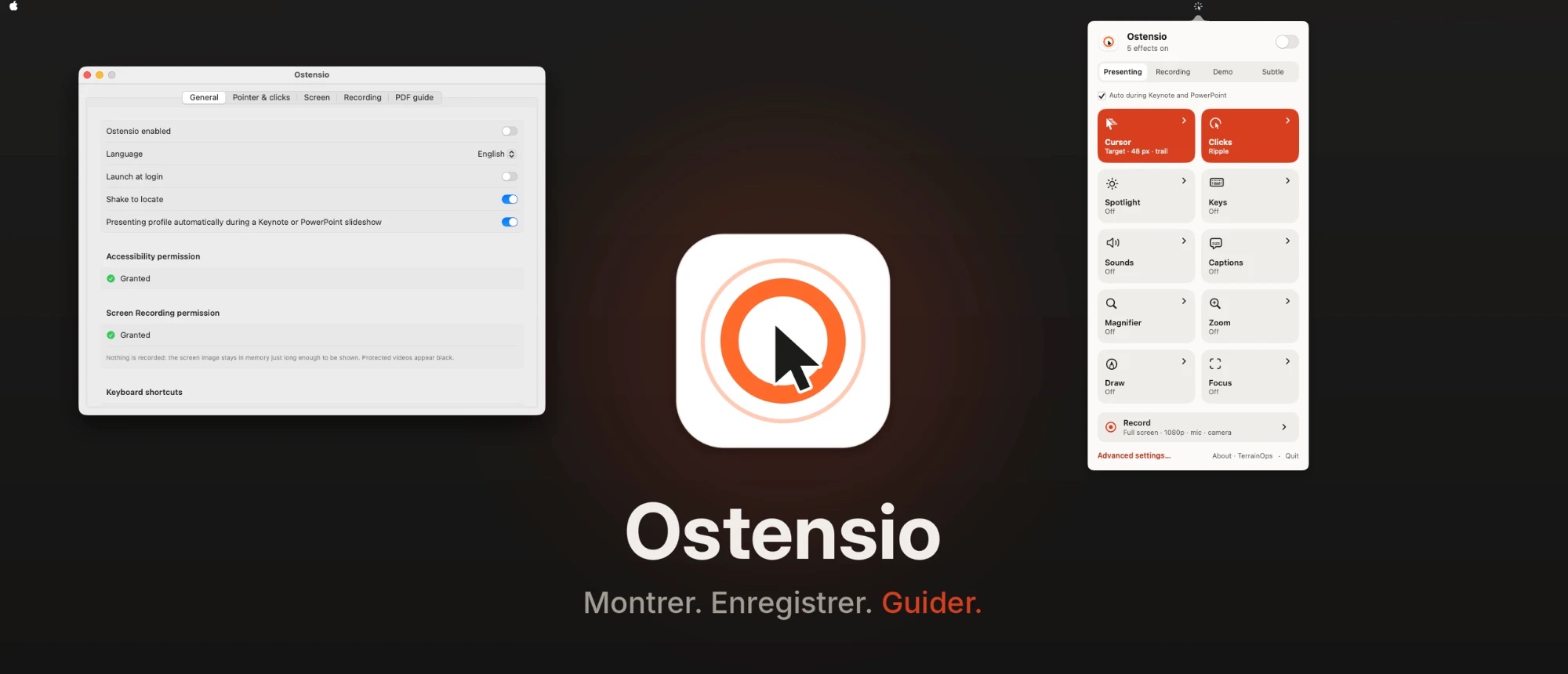
Menu bar
Tucks away, with a choice of 5 languages.
Everything stays on your Mac.
Ostensio sends no data to TerrainOps or to third parties. The only indirect exception: for captions, macOS itself may download a language model from Apple.
Read the privacy policyPay once.
It’s yours.
A demonstration tool should be simple to own: no subscription, no activation, fixes and improvements for version 1.x included.
- Licence for 1 user, up to 2 Macs
- Version 1.x updates included
- Refund within 14 days, no reason needed
- macOS 15 or later, Intel and Apple Silicon
Frequently asked questions
What are the system requirements?
macOS 15 or later. Ostensio is built for Intel and Apple Silicon Macs. Captions require macOS 26 or later; everything else works from macOS 15. Ostensio is not offered for macOS 13 and 14, which we could not test.
Why a one-off purchase and not a subscription?
Because a demonstration tool should be simple to own. You pay once and get a licence for one user on up to two Macs, without a subscription. Fixes and improvements released for major version 1.x are included. Later major versions are not included. Statutory conformity and necessary update obligations, including security updates, remain applicable.
Where are my recordings and guides stored?
They are created and kept on your Mac. Ostensio does not send any data to TerrainOps or to third parties. The only indirect exception: for captions, macOS itself may download a language model from Apple on first use. Details in the privacy policy.
Is sensitive-data masking infallible?
No. It is an aid for masking what should stay secret in your guides. Always review the result before sharing it.
Can I get a refund?
Yes. Under our commercial guarantee, send your request by the end of the fourteenth calendar day following the purchase day, without giving a reason, including after use. Statutory rights may continue beyond this period. See the refund policy.
Who takes payment?
For purchases through Paddle, Paddle is the authorised reseller and Merchant of Record. The contracting entity and total price including applicable taxes are identified at checkout. TerrainOps supplies the software and technical support.
How many Macs can I install it on?
Up to two Macs for the same user. Two users require two licences. No activation is needed. If you change Mac, install Ostensio on the new one and uninstall it from the old one.


Ostensio is designed and maintained by TerrainOps.
TerrainOps develops apps and software designed for small and medium-sized businesses, to make the link between field work and administration easier. Ostensio grew out of the same drive for clarity and simplicity: making demonstrations and presentations easier to understand, and every step simpler to follow.